An administrator can add a custom field to any module listed in the Base Tables shown below.
Base Tables:
Blog |
InventoryBatch |
Invoice |
ProjectEvent |
SiteBudget |
SiteVisit |
VendorCost |
Budget |
InventoryBatchTest |
Project |
ProtocolDeviation |
SiteInventoryTransaction |
Subject |
VendorInvoice |
Contact |
InventoryDetail |
ProjectContact |
ProtocolVersion |
SiteIssue |
SubjectVisit |
VendorPayment |
Document |
InventoryShipment |
ProjectContactDetail |
SAE |
SitePassThruCost |
SubjectVisitMonitor |
|
Institution |
InventoryTransaction |
ProjectCountry |
Site |
SitePayment |
SubjectVisitProcedure |
|
First, custom fields must be added within the Administration tab, System Tables menu item, and Custom Fields record. Within this module, you can decide whether the custom field should be added to all projects as well as other usage features. If you choose to not include the custom field in all projects, then you will need to go to the Project tab, Project Tables menu item for Project Custom Fields for the individual projects that require these custom fields.
To add a Custom Field:
To edit a Custom Field:
Click Common Buttons for a description of the buttons found throughout the system and their uses.
The following images show sample Custom Fields tabs under each base table:
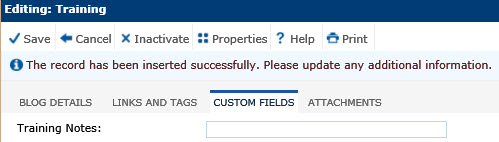
Sample Custom Fields Tab for Base Table = Blog
Sample Custom Fields Tab for Base Table = Budget

Sample Custom Fields Tab for Base Table = Contact

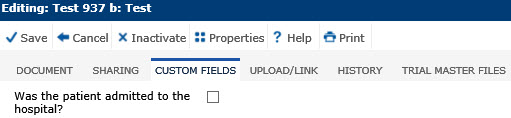
Sample Custom Fields Tab for Base Table = Document
Sample Custom Fields Tab for Base Table = Institution

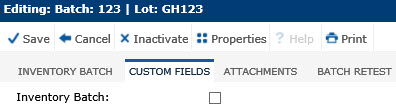
Sample Custom Fields Tab for Base Table = InventoryBatch
Sample Custom Fields Tab for Base Table = InventoryBatchTest
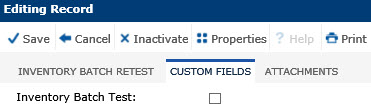
Sample Custom Fields Tab for Base Table = InventoryDetail
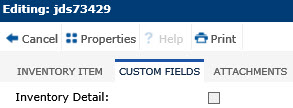
Sample Custom Fields Tab for Base Table = InventoryShipment
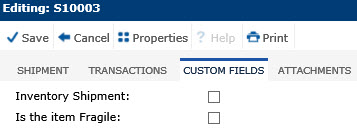
Sample Custom Fields Tab for Base Table = InventoryTransaction
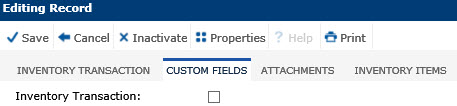
Sample Custom Fields Tab for Base Table = Invoice
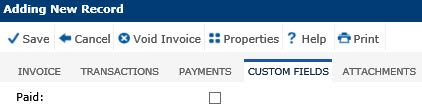
Sample Custom Fields Tab for Base Table = Project
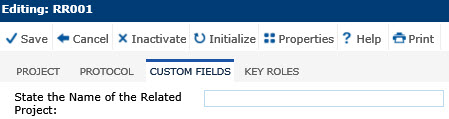
Sample Custom Fields Tab for Base Table = ProjectContact

Sample Custom Fields Tab for Base Table = ProjectContactDetail
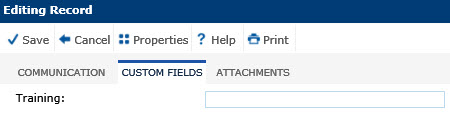
Sample Custom Fields Tab for Base Table = ProjectCountry
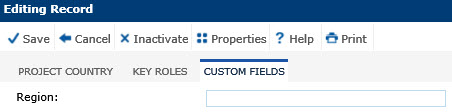
Sample Custom Fields Tab for Base Table = ProjectEvent
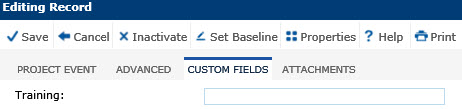
Sample Custom Fields Tab for Base Table = ProtocolDeviation
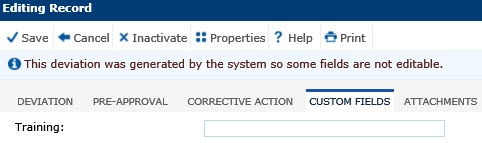
Sample Custom Fields Tab for Base Table = ProtocolVersion
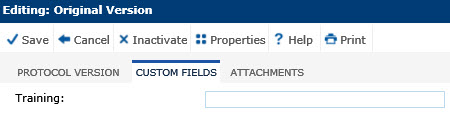
Sample Custom Fields Tab for Base Table = SAE
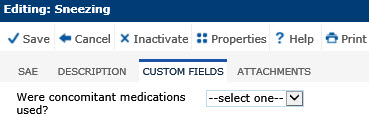
Sample Custom Fields Tab for Base Table = Site
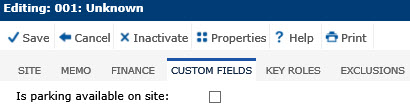
Sample Custom Fields Tab for Base Table = SiteBudget

Sample Custom Fields Tab for Base Table = SiteInventoryTransaction

Sample Custom Fields Tab for Base Table = SiteIssue
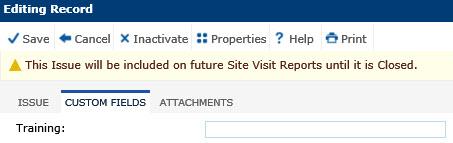
Sample Custom Fields Tabs for Base Table = SitePassThruCost
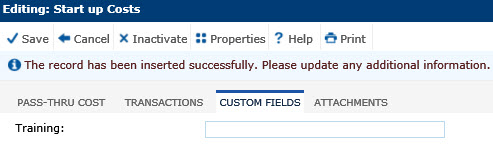
Sample Custom Fields Tabs for Base Table = SitePayment
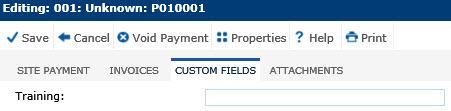
Sample Custom Fields Tab for Base Table = SiteVisit
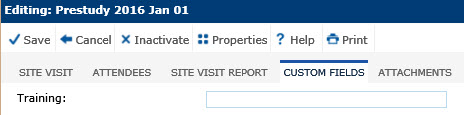
Sample Custom Fields Tabs for Base Table = Subject

Sample Custom Fields Tabs for Base Table = SubjectVisit
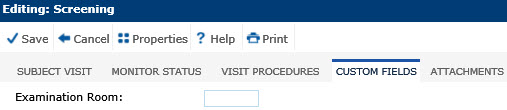
Sample Custom Fields Tabs for Base Table = SubjectVisitMonitor
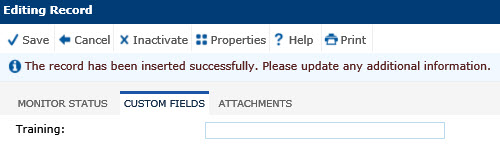
Sample Custom Fields Tabs for Base Table = SubjectVisitProcedure
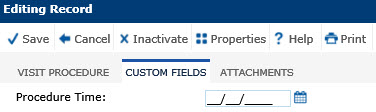
Sample Custom Fields Tabs for Base Table = VendorCost
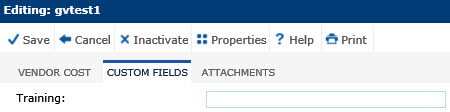
Sample Custom Fields Tabs for Base Table = VendorInvoice
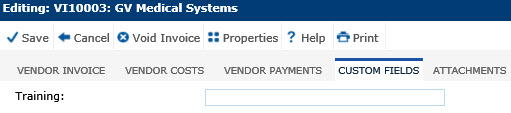
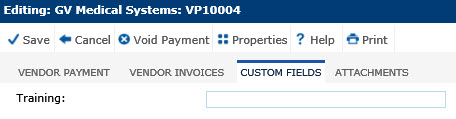
Sample Custom Fields Tabs for Base Table = VendorPayment