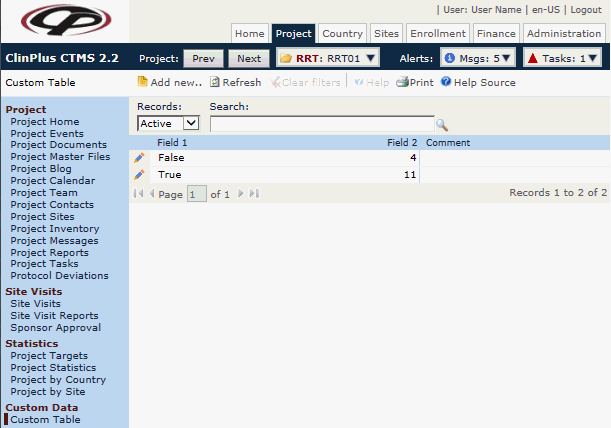
to add a record to the table
or click
to add a record to the table
or click  to edit a record in the table in the Custom Data
module.
to edit a record in the table in the Custom Data
module.Users can add data into customized tables. These tables are defined in the Custom Table system tables under the Administration tab. They are connected to a project through the Country, Project, Site, and Subject base tables. Data from these tables can be printed in System Reports and included in the Site Visit Report Template as a sub-report.
Click to add a record to the table
or click to edit a record in the table in the Custom Data
module.
Users can filter by Active or
Inactive records as well as search
for a word or string in the record. To remove all search options, click
the  button.
If the fields of your custom table do not appear on this list page, the administrator needs to go to the Field Properties module of that table and place a check in the Display on List? box.
Columns can be sorted in ascending or descending order by clicking the column heading.
Click Common Buttons for a description of the buttons found throughout the system and their uses.