button. To add a record,
click
button. To add a record,
click  or edit a record, click
  ,
which opens the Subject
Screen Failure Reason module.
,
which opens the Subject
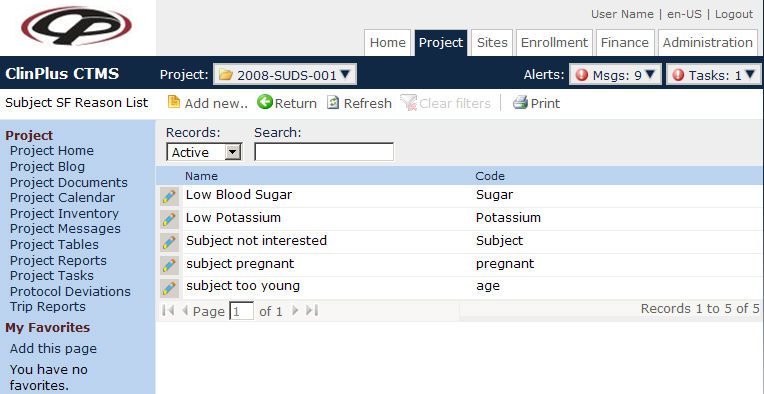
Screen Failure Reason module.The Subject Screen Failure Reason
page displays a list of reasons why a patient failed to pass the screening
event. Users can filter the records on Active,
Inactive, or All
as well as search for a word or string in the record. To remove all search
options, click the button. To add a record,
click or edit a record, click ,
which opens the Subject
Screen Failure Reason module.
Columns can be sorted in ascending or descending order by clicking the column heading.
Click Common Buttons for a description of the buttons found throughout the system and their uses.